To edit a graphic—for example, to apply a fill or add customized text—you’ll first need to convert the graphic into an object. This allows you to access and modify individual elements within the design.
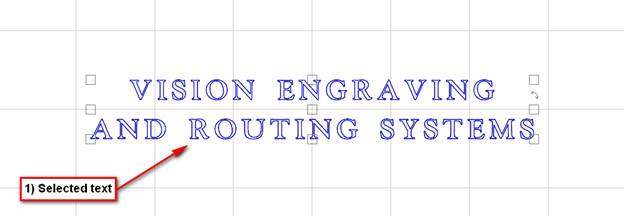
- Select your text.
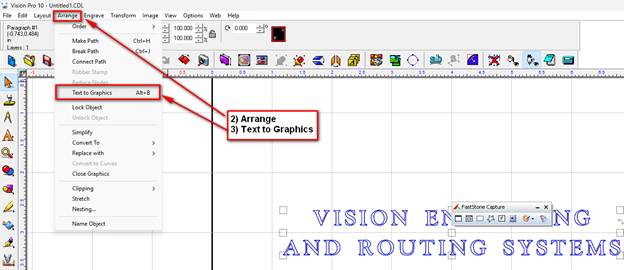
- Arrange.
- Text To Graphics.
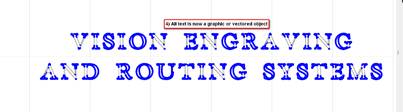
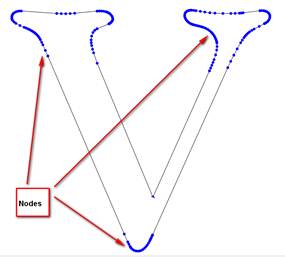
- Text is vectored object. Editable nodes.
Check back next month for our next Engraving or CNC Routing Quick Tip. Contact Vision Engraving & Routing Systems to learn more about converting text to graphics in Vision Engraving Software. To learn more about our machines, go to www.visionengravers.com or call 1-888-637-1737. Be sure to check out our All Post List, lots of helpful Engraving Machines and CNC Routing tips there.